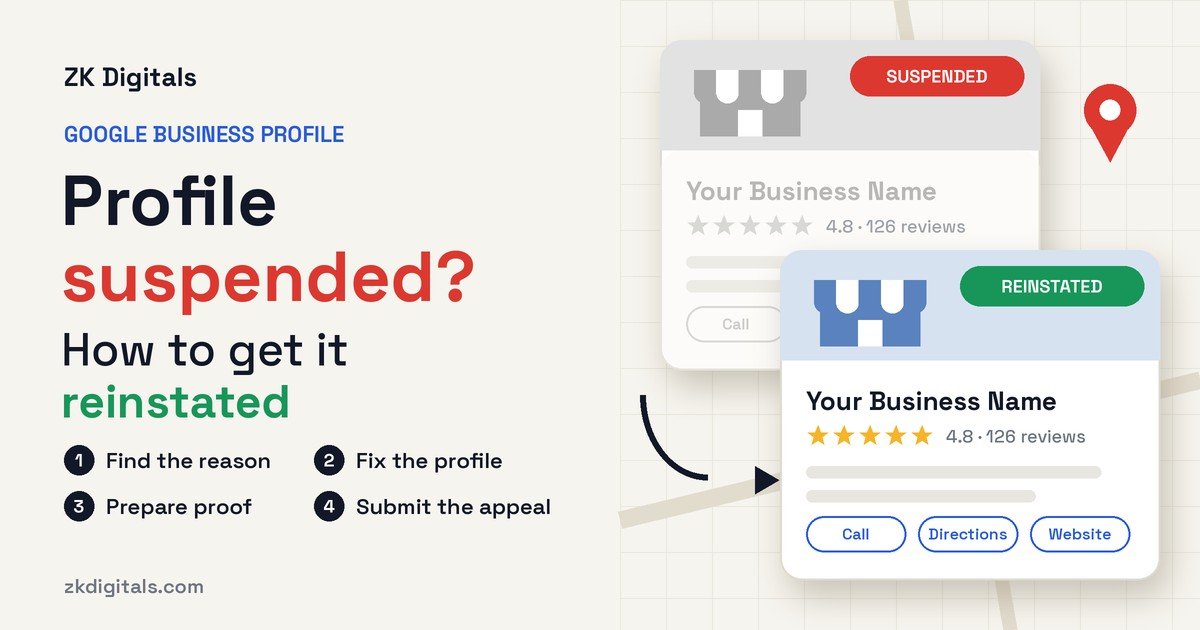
Google Business Profile suspended? It means Google has decided your profile doesn't follow its guidelines, and it has restricted the profile until you fix the problem and appeal. The good news is that most suspensions can be reversed. The bad news is that Google only lets you submit one standard appeal per decision, so a rushed appeal can cost you the profile and every review on it.
This guide walks you through why profiles get suspended, how to find the exact reason, what to fix before you appeal, which documents Google accepts, and how video verification fits in. Everything here is based on Google's own Business Profile help pages and guidelines.
What Does It Mean When a Google Business Profile Is Suspended?
A suspended Google Business Profile is one that Google has restricted because it believes the profile breaks its guidelines for representing a business. Depending on the decision, the public may no longer see your profile on Google Search or Maps, and the owner and managers may be unable to make changes.
Many owners still search for this as "Google My Business suspended," from the product's old name. Google's help pages use two words, suspended and disabled, and for you both mean the same thing: fix the cause, then appeal.
There's also a more serious version. If Google restricts your Google Account itself, every Business Profile you manage is suspended at once, and you can't create or claim new profiles. In that case, the account has to be appealed first, at myaccount.google.com/restrictions, before any profile appeal can go through.
Why Was My Google Business Profile Suspended?
Most suspensions come from a handful of guideline problems. Google doesn't always spell out the exact reason in the email, but the appeals tool usually shows the policy that was violated. These are the most common causes.
Address Problems
Google says a business that rents a mailing address but doesn't operate there isn't eligible for a Business Profile. That rules out most virtual offices. Coworking spaces are allowed only if the business has clear signage there, is staffed by its own employees during business hours, and receives customers at that address. P.O. boxes and remote mailboxes aren't accepted either.
This is a very common problem in the UAE, where many businesses hold a free zone license with a flexi-desk or virtual office address. If nobody from your business works at that address during business hours, Google will usually treat it as ineligible.
Keywords in the Business Name
Your profile name must match your real-world name, as it appears on your signage, website and stationery. Google doesn't allow added keywords, locations, taglines or phone numbers. "Smith Plumbing" is fine. "Smith Plumbing - 24/7 Emergency Plumber Dallas" is the kind of name that triggers a suspension.
Service-Area Setup Conflicts
If you visit customers rather than having them visit you, Google expects one profile for your base with a service area, and it wants your address hidden. Showing a home address publicly, or setting a service area far beyond what you actually cover, can cause problems. Google's guidelines say a service area generally shouldn't extend beyond about two hours of driving time from your base.
Duplicate or Multiple Profiles
Google allows one profile per business per location. Creating a second profile to rank in another area, or creating a new profile after a suspension, is a common reason for suspension, and it makes reinstatement harder.
Sudden or Suspicious Edits
Changing your name, address and category on the same day can trigger an automated review, and if the changes don't match your documents, it can end in a suspension.
How to Get Your Google Business Profile Reinstated
Reinstatement, often called GMB reinstatement, means getting a suspended profile restored through Google's appeal process. You have one standard appeal per decision, so prepare properly first.
Step 1: Find the Exact Reason
Open the Business Profile appeals tool at support.google.com/business/?p=manage_appeals and sign in with the Google Account that owns the profile. Select the profile and the decision. The tool shows the decision date, the reason, a link to the policy that was broken, and whether the decision can be appealed.
The status will show as one of the following: Eligible for appeal, Submitted, Approved, Not Approved, or Can't be appealed.
Step 2: Fix the Problem Before You Appeal
Google tells owners to make sure the profile follows all guidelines before appealing. That means correcting the cause first: remove keywords from the name, hide the address if you're a service-area business, or move to an eligible address if you were using a virtual office. Don't just appeal and hope.
Change only what's needed, because every detail must match the documents you're about to send.
Step 3: Gather Documents That Match
Google lists the kinds of evidence that help an appeal, including official business registration, a business license, tax certificates, and utility bills for electricity, water, phone or internet. The most important rule is that the business name and address on each document must match the profile exactly.
In the UAE, that usually means your trade license and an Ejari or utility bill in the business name. In the US, it's typically your state business registration, an EIN letter, or a utility bill. Photos of your signage and storefront are also worth preparing, because they're often needed for verification.
Step 4: Submit the Appeal
In the appeals tool, attach your documents with Choose file, add a short explanation of what was wrong, what you changed and what the documents prove, tick the confirmation box, and select Submit appeal.
Step 5: Wait, and Don't Create a New Profile
Google reviews the appeal and emails you the decision. It doesn't publish a fixed timeline. While you wait, don't edit the profile again and don't create a new profile for the same business. Google specifically warns against creating a new profile, and doing so can damage your chances.
What If Your Reinstatement Request Is Rejected?
Google's help page says appeals can only be submitted once. If the reinstatement request is denied, Google says it may be able to do an additional review through its local appeals contact form, where you can supply evidence that wasn't in the original appeal.
The word "may" matters. A second review isn't guaranteed, so the first appeal should include everything. And if the address itself is ineligible, no review will help until that's solved.
How Video Verification Works After a Suspension
Video verification is a way of proving to Google that your business is real and operating at the location on your profile, by recording a short live video on your phone. Google may ask for it when it needs more proof, including during reinstatement.
Google's rules for the video are specific:
- It must be recorded live through the Business Profile on a mobile device. Pre-recorded or uploaded videos aren't allowed.
- It must be one continuous, unedited clip of at least 30 seconds.
- It must not show bank account, tax or ID numbers, or other people's faces.
For a storefront or hybrid business, the video needs to show three things:
- Location: street signs, building numbers or nearby landmarks.
- Existence: your storefront or signage, with the business name on a permanent fixture that matches your profile name.
- Management: something only an employee can access, such as opening the cash register, the storage room or the point-of-sale system.
For a service-area business, show the area where you operate, your tools, equipment, branded clothing or vehicle, and proof of management such as unlocking a branded van or showing an invoice or utility bill in the business name.
Google says a video review takes up to five business days. If it fails, Google shares the reasons, and you can record a new video that includes everything from the first one plus what was missing. The most common failures are a business name that isn't visible on the storefront, no surrounding area shown, and no proof that you run the business.
How to Avoid Another Suspension
Once your profile is back, keep it clean:
- Keep your profile name exactly as it appears on your signage.
- Use an address where your staff work and customers can visit, or hide the address if you're a service-area business.
- Make one change at a time, and keep documents that support every change.
- Never create duplicate profiles for the same location.
- Check your profile monthly so you catch any problem early.
A suspension is easier to prevent than to reverse, and a monthly check protects the reviews you've worked hard to collect.
Getting Help With a Suspended Profile
You can handle an appeal yourself if the cause is clear and your documents match. Where owners struggle is working out the real reason, fixing the profile without triggering another review, and building a clean appeal on the first try.
Our Google Business Profile service includes suspended profile reinstatement for a fixed USD 499, and you pay only once the profile is reinstated. That covers preparing the appeal, the documentation, and fixing the cause of the suspension. We also offer a free written audit of your profile if you want to check it before anything goes wrong.
A reinstated profile is only the start. If you want it to rank in more searches and bring in calls, our SEO services cover local SEO alongside your profile.
We work with businesses in the UAE, the United States and Israel, and you can see every service and published price at ZK Digitals.
Frequently asked questions
Why was my Google Business Profile suspended?
A Google Business Profile is usually suspended because it breaks Google's guidelines. The most common reasons are an ineligible address such as a virtual office, keywords added to the business name, a service-area setup that shows a home address, duplicate profiles, and large edits that don't match the business's documents.
How do I get my Google Business Profile reinstated?
You get a suspended Google Business Profile reinstated by fixing the guideline problem and submitting an appeal through Google's Business Profile appeals tool. Attach documents such as a business license or utility bill that show the same name and address as the profile.
How long does Google Business Profile reinstatement take?
Google doesn't publish a fixed timeline for reinstatement appeals and emails you the decision once the review is complete. Video verification, if requested, can take up to five business days on its own.
Can I appeal a Google Business Profile suspension more than once?
Google allows one standard appeal per decision. If that appeal is denied, Google says it may offer an additional review through its local appeals contact form, where you can submit new evidence, but that second review isn't guaranteed.
Should I create a new Google Business Profile if mine is suspended?
You should not create a new profile for the same business after a suspension. Google specifically warns against it, and duplicate profiles are themselves a reason for suspension.