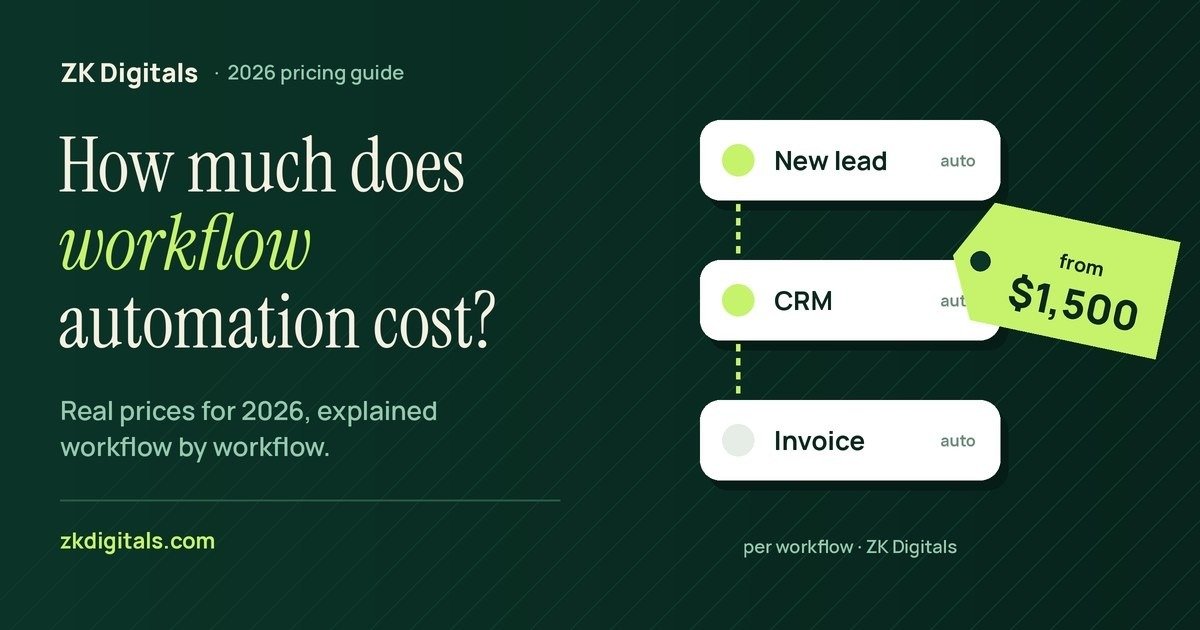
The real workflow automation cost has two parts that most quotes blur together: a one-time fee to build the workflow, and a monthly subscription for the tool it runs on. For a single workflow built by an agency, published prices usually fall between about USD 1,000 and USD 3,000. On top of that, you pay the platform, such as Zapier, Make, or n8n, anywhere from nothing to a few hundred dollars a month, depending on volume.
This guide breaks down both costs, explains what pushes a project up or down, and shows a simple way to check whether automation is worth it for your business before you spend anything. We are ZK Digitals, and we build these workflows for clients in the UAE, the United States, and Israel, so the numbers below include our own published prices.
Workflow Automation Cost at a Glance
Here is how the main options compare on the build side:
- Do it yourself: no build fee, but it costs your time to learn the tool, set it up, and fix it when it breaks.
- Freelancer: usually the cheapest paid option for simple two-step automations, though quality and support vary widely.
- Agency: published prices for one workflow commonly range from about USD 1,000 to USD 3,000, usually with testing, documentation, and error alerts included.
- Connected systems: several workflows or a custom API integration are normally quoted as one project after a scoping call.
Whichever route you choose, the tool subscription is separate and is billed to you by the platform.
The Two Costs You Actually Pay
The One-Time Build
The build fee pays for someone to map your process, connect the apps, handle the edge cases, and test it with real data. A good build also includes what happens when something fails, such as retries and an alert to a named person. Cheap quotes often skip this part, and that's usually where problems start.
The Monthly Tool Subscription
Every automation platform charges for usage. At the time of writing, in October 2026, published prices looked roughly like this:
- Zapier: a free plan with a small task allowance, and the Professional plan from about USD 29.99 a month billed monthly, or about USD 19.99 a month billed annually. Prices rise with the number of tasks you run.
- Make: a free plan with 1,000 credits a month, and the Core plan from about USD 9 a month with 10,000 credits.
- n8n: cloud plans from about EUR 24 a month, or EUR 20 billed annually, with 2,500 executions. The self-hosted Community Edition is free software, but you pay for the server and the upkeep.
These prices change often, so check each provider's pricing page before you commit. As a rule, Zapier is quickest to set up, Make tends to be cheaper for complex logic, and n8n becomes attractive at high volumes if you're comfortable hosting it.
What Makes One Workflow Cost More Than Another
Two workflows that sound similar can carry a very different workflow automation cost. The main drivers are:
- Number of apps and steps. Moving a form entry into a spreadsheet is simple. Routing a lead to the right salesperson, creating a CRM record, sending a WhatsApp message, and booking a follow-up task is not.
- Messy data. If names, phone numbers, or product codes are inconsistent, the workflow has to clean them first.
- Custom API work. When an app has no ready-made connector, someone has to build the connection directly.
- Conditions and exceptions. Every "if this, then that" branch adds build and testing time.
- Volume. High volume doesn't always raise the build fee, but it can raise the monthly subscription sharply.
Hidden Costs Most Quotes Leave Out
The build price is rarely the whole story. Before you sign, ask about these:
- Maintenance. Automations break when an app changes its API or a login expires. Know who fixes it and how fast.
- Usage overages. A workflow that runs more often than expected can push you into a higher plan.
- Ownership. If the workflow is built in the provider's or agency's account, you may lose it when you stop paying them. Insist that it's built in accounts you own.
- Documentation. Without it, nobody else on your team can maintain the workflow later.
- Your team's time at launch. Someone needs to check the first runs and confirm the output is correct. Budget a few hours in the first week, even when an agency does the build.
Is Workflow Automation Worth It? A Quick Check
Before paying for any build, estimate the time the task takes today. Here is an example with invented numbers. Say a team member spends 30 minutes a day copying leads from a form into a CRM and sending a first reply. Over 22 working days, that's 11 hours a month. At USD 20 an hour, the task costs about USD 220 a month in staff time.
A USD 1,500 workflow plus a USD 20 monthly subscription would pay back in roughly seven to eight months, and after that it saves money every month. Faster replies may also win more leads, but don't count on that in your maths. If the task takes only a few minutes a week, automation probably isn't worth paying for yet. Run this check on your three most repetitive tasks and start with the one that saves the most hours.
What ZK Digitals Charges
We publish our prices because the industry rarely does. A single workflow automation project with us starts at USD 1,500, fixed. That covers mapping, building, and testing one workflow with real data, plus error alerts and documentation. Larger systems with several connected workflows are quoted after a free scoping call. Most single workflows go live within one to two weeks; everything is built in accounts you own, and the tool subscription is billed to you directly by the provider.
Automation works best when there's a steady flow of enquiries to handle. If you also want your business to show up when people ask ChatGPT or Google's AI for a recommendation, our AI search optimization service covers that side.
Frequently asked questions
How much does workflow automation cost for a small business?
Most small businesses pay a one-time build fee, commonly about USD 1,000 to USD 3,000 per workflow with an agency, plus a monthly tool subscription. Simple automations can be built for less, and the subscription can be free at low volumes.
Is it cheaper to use Zapier myself?
The subscription can be cheap or free, so doing it yourself saves the build fee. The real cost is your time, plus the risk of a workflow failing silently without anyone noticing.
Is n8n free?
The self-hosted Community Edition of n8n is free software, but you still pay for a server and for someone to maintain it. n8n's cloud plans are paid.
How long does it take to build a workflow?
A single, well-defined workflow often takes one to two weeks, including testing. Connected systems with several workflows take longer.
Do I own the automation after it's built?
You should. Ask for the workflow to be built in your own Zapier, Make, or n8n account and documented so your team or any developer can maintain it.